fbpx

Secure Printing Solutions

Pull Printing Solutions
All-in-One Printing Solutions

Features and applications of Sentinel print management software

Control, management, monitoring and data leak prevention for network and local printers
User Authorization Local Printer

Centralised print management for local printers and network printers.

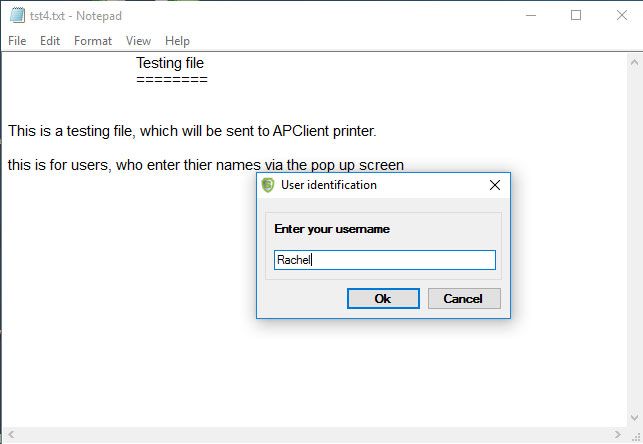
APClient (Advanced Printing Client)

Sentinel print management software controls and monitors, not only network printers but also any printers, copiers (printing function) and multifunction printers (MFPs) connected locally, displaying printers’ counters and printed jobs.

Any type, make, or model of printer is supported, with any connection: USB printers, parallel, Wi-Fi, Bluetooth, etc.

Read more: Control, management, monitoring and data leak prevention for network and local printers
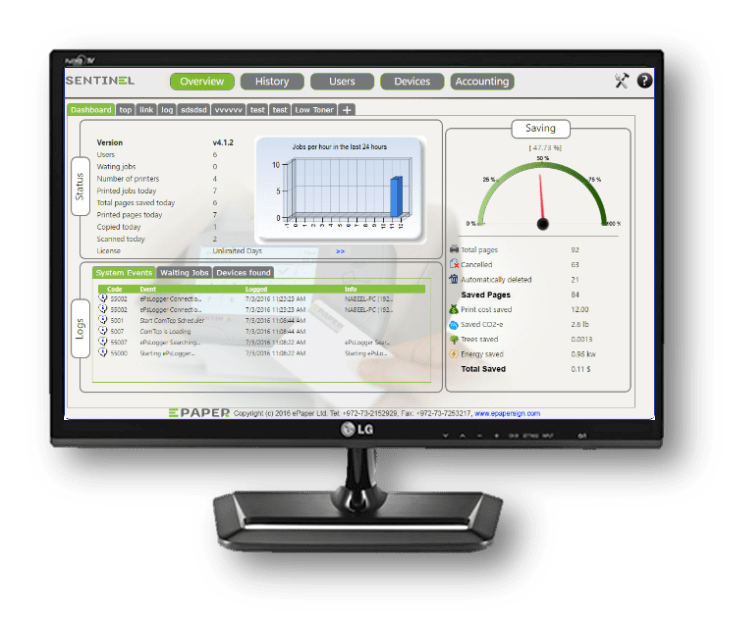
Traffic-less printing

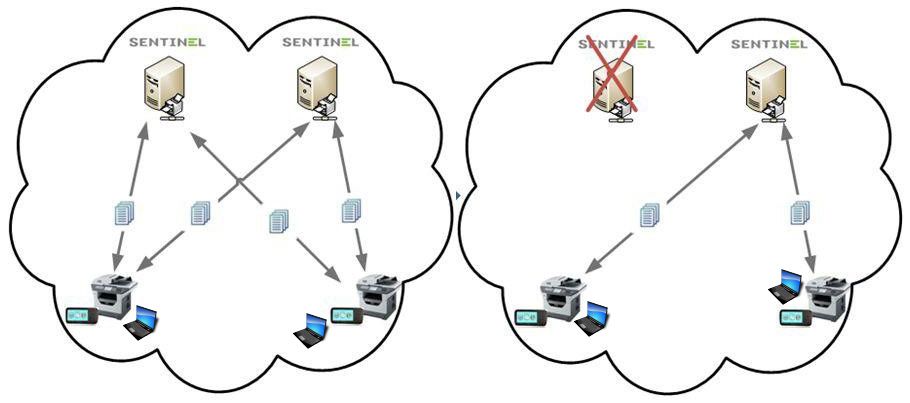
Traffic Less PrintingUse Sentinel Traffic-less printing for branch offices to take advantage of Sentinel without a local server.
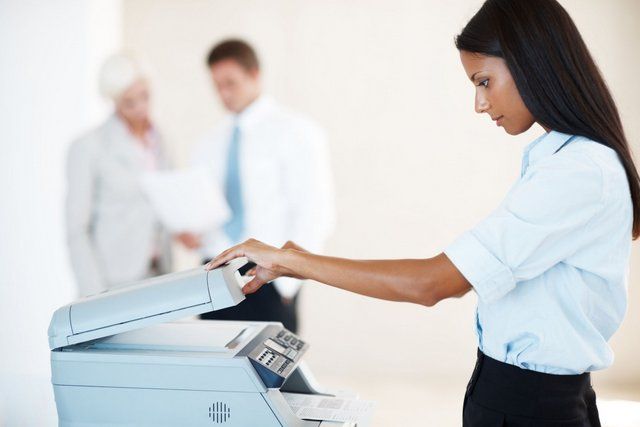
For organizations with branch offices, Sentinel may be centralized and used in a traffic-less configuration. This method conserves Wide Area Network (WAN) bandwidth, which would otherwise be untenably high due to large-size print job traffic clogging it up.

Read more: Traffic-less printing

Private Cloud Printing

Print anywhere. Retrieve a print job at your current location, even when you are not in your own office.Print — from anywhere to anywhere.

Users send print jobs. They are held in the organization's private cloud until the users pull them for printing, wherever required, via the company intranet. This method is also known as "Pull Printing". Print anywhere.

Retrieve a print job at your current location, even when you are not in your own office.

Read more: Private Cloud Printing

Server-less Printing

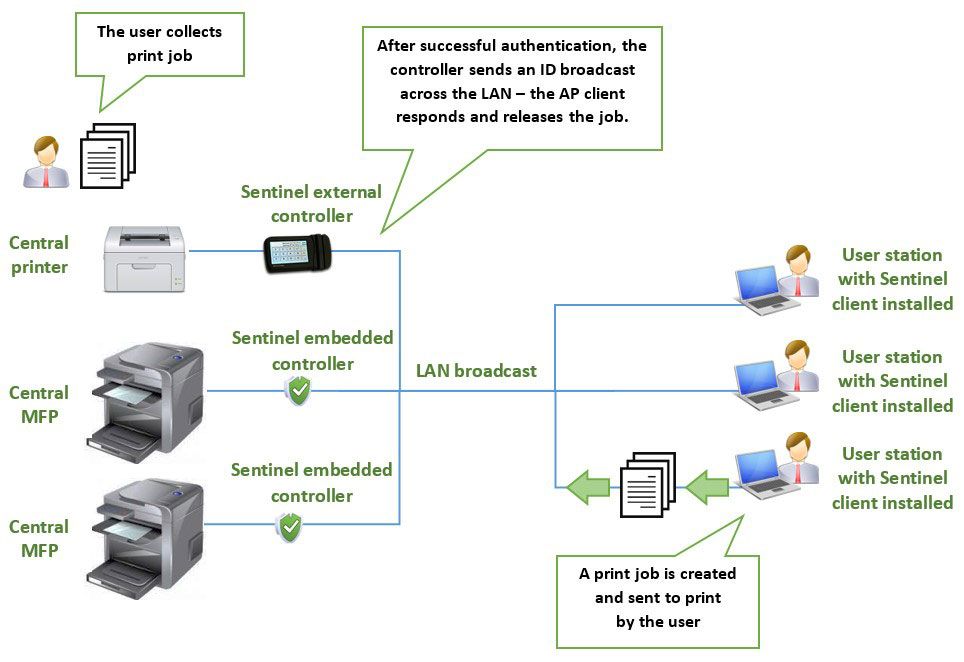
Server-less printingServer-less printing is a feature which allows the use of secure pull printing, but without any print server being required.
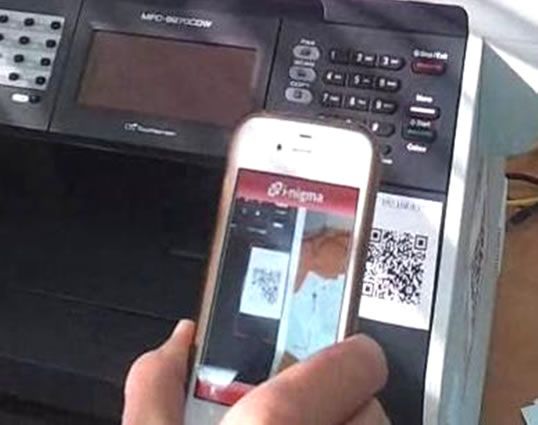
The solution requires that the Sentinel AP client application is installed on all PC's on the LAN. The printers will be paired with Sentinel controllers (either external touch-LCD controllers, or Sentinel embedded controllers), and pull printing is then facilitated through the use of packet broadcasts across the LAN.

Read more: Server-less Printing

Print and billing quotas

Set print quotas and billing quotas to limit and control the number of pages printed and copied. 

Use quotas to restrict unsupervised printing. Quota Policy saves the organization money and gives management better control of the printing budget.

This is especially relevant for organizations that bill their users and customers, such as universities, libraries, law firms, insurance companies, and any other entity that want to manage budgets separately for each department. ow can an organization limit and control printing? How to set printing quotas? 

Read more: Print and billing quotas

Multi-Site Printing

WAN Printing

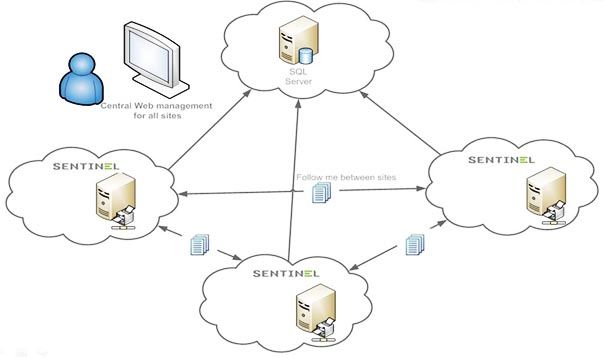
Print management solution for organizations with multiple sites or branch offices.

For organizations and businesses with multiple branches and/or international locations that wish to manage and control all printing in one system, Sentinel is the best print management solution. While employees in various locations can initiate and collect print jobs, Sentinel secure printing ensures that no one outside the organization has access to them.

Read more: Multi-Site Printing

Mobile Print

Sentinel-mail-to-printPull print jobs wirelessly from a network printer using a mobile device (BYOD). 
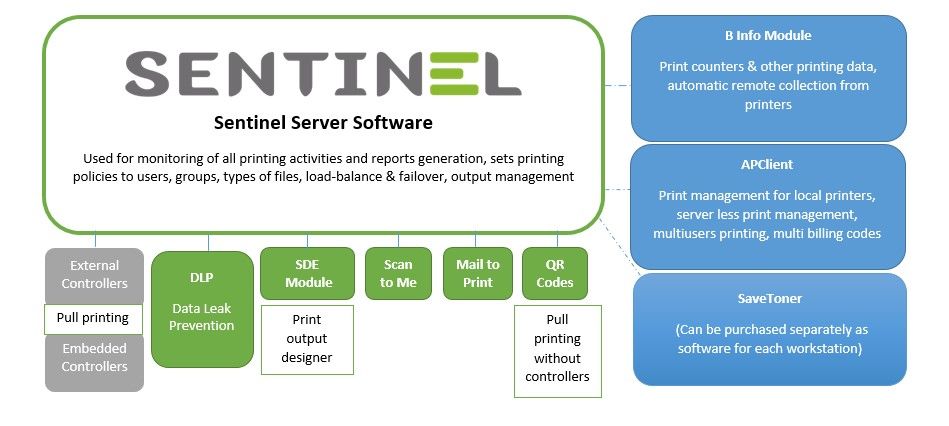
Usually, printing documents within the organization using a mobile device requires a special connection, and in many cases, the result is not rendered correctly, particularly when printing Microsoft Office documents.

Read more: Mobile Print

Sentinel Print Release Controllers

Sentinel controllers enable efficient administration with a variety of manufacturers' devices.Streamline and Low Profile Print Release Controllers (Printing Terminals): 
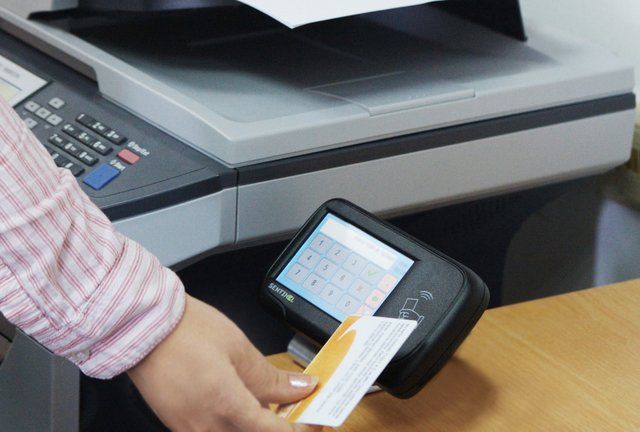
Sentinel won't clutter up your office with bulky additional equipment.
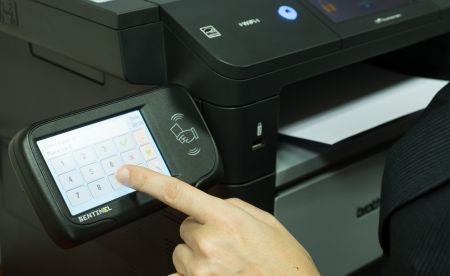
Print release controllers are small and can be placed on a table or shelf, or mounted on a wall to save space. There are several models of Sentinel print release controllers produced by ePaper Ltd, compatible with any printer, MFP, MFD, copier or scanner.

Read more: Sentinel Print Release Controllers

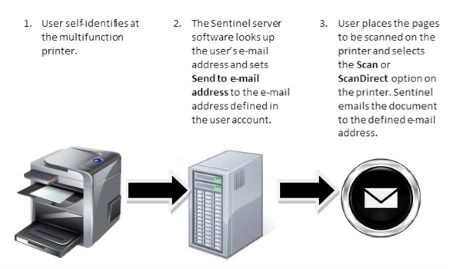
Scan To Me

scan to me

Fast, Easy, Secure and Managed

Fast and Easy: Scan a document at a printer/scanner and send the generated document as a file automatically to your e-Mail, personal folder, or SharePoint.

Read more: Scan To Me

Rule-based printing

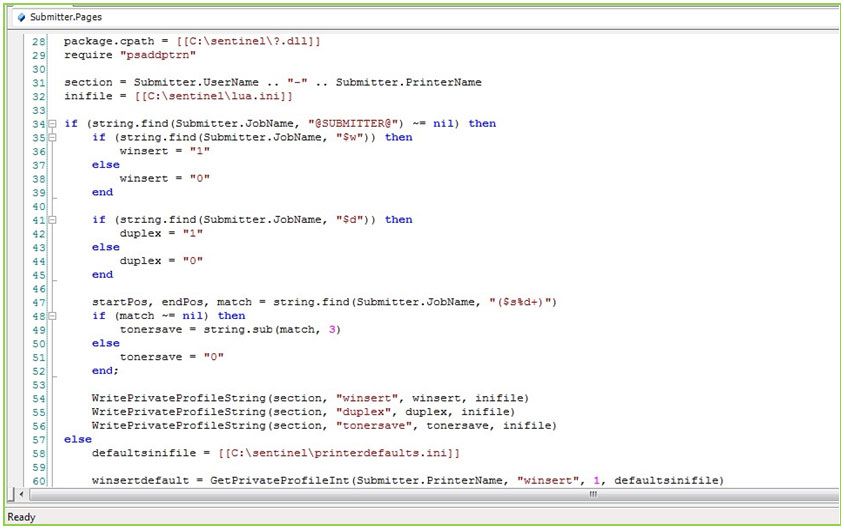
LUA scripts print serverCustomize just about anything in your print management using scripts to implement complex workflows, rule-based actions, email alerts, customized data handling and much more.
Sentinel's open scripting platform allows rule-based printing, highly specialized features or customizations to be rapidly developed, without the need to wait for the next release cycle for your custom feature to be included. Scripts may even be created in-house by customers wishing to keep their secure workflows or policies under wraps.

Read more: Rule-based printing

Print Reporting Tools

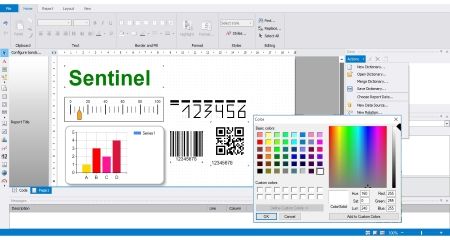
Sentinel Reports DesignerImprove Resource Utilization with Sentinel's Built-in Print Reporting Tools
True printing control starts with the ability to analyze print usage. Since all Sentinel print information is stored an Archive table in the database (local or SQL-type), it can be used to generate a wide variety of reports.
Sentinel has a set of built-in print reports which include information about printing activity according to various filters such as users, printing devices, date ranges, etc.
These built-in reports display various aspects of the information, both in summary and detailed formats.
It is also possible to create a wide variety of customized reports, according to the organization’s specific requirements.

Read more: Print Reporting Tools

Mail To Print

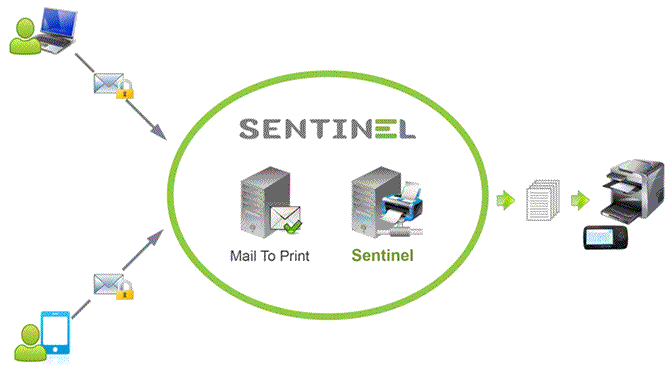
Sentinel-mail-to-printPrint your emails and attachments — directly.

Whether you are a recognized user or a guest on the network, you can forward an email message to the Sentinel system or to a printer, without connecting to the organization's LAN. Sentinel's unique solution lets you print emailed documents from your mobile device, without distorting the document format. The original look of the document is maintained.

Read more: Mail To Print

Managed Print Services (MPS)

Managed Print Services (MPS)

What are Managed Print Services (MPS)?

Managed Print Services (MPS) allow an organization to gain visibility and control of all its printing and optimize it, which helps save money, enables the organization to print more efficiently. Managed printing also helps the organization to improve environmental sustainability and document security.

Read more: Managed Print Services (MPS)